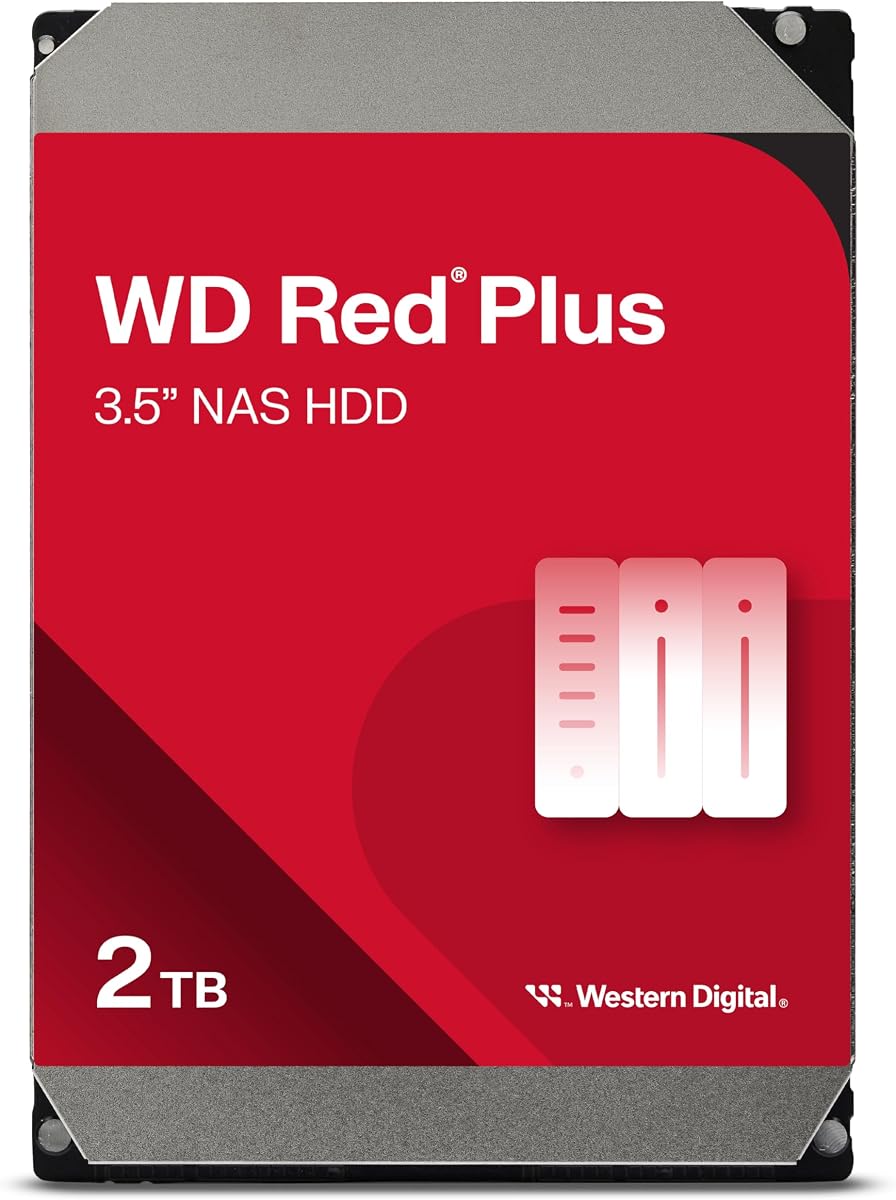
WD Red Plus 2TB WD20EFPX
4.2Editor score
2TB CMR NAS storage
180 TB yearly workload
NASware compatibility firmware
Designed for continuous operation
A NAS can give a small business a private, centralized home for shared files, backups, media, and business records, but the storage platform must match the job it will perform. A good drive should provide dependable 24/7 operation, appropriate NAS compatibility, enough capacity, and a workload rating suited to the number of users accessing it.
This guide compares ten relevant storage options for small-business NAS setups, including purpose-built WD Red and WD Red Pro hard drives, a Seagate desktop drive, and two diskless NAS enclosures. Capacity, interface, rotation speed, cache, recording technology, workload rating, bay support, backup features, and practical use cases are considered using the supplied product information.
Each entry shows what the product is best positioned to handle, from affordable shared storage to high-capacity archives and surveillance-oriented expansion. The rankings also distinguish dedicated NAS drives from general-purpose disks and complete NAS enclosures, because their roles differ. Product prices and availability change, so verify current listings, bay limits, and system requirements before purchasing.
4.2Editor score

4.5Editor score

3.9Editor score
As an Amazon Associate we earn from qualifying purchases.
The comparison below covers dedicated NAS hard drives, a general-purpose desktop hard drive, and two diskless NAS enclosures. It highlights the differences that matter most for capacity, compatibility, sustained operation, and expansion rather than treating every product as the same type of storage device.



The Western Digital 4TB WD Red Plus WD40EFZZ is a purpose-built 3.5-inch NAS hard drive with a 4.2 rating. Its balanced 4TB capacity, 5400 RPM performance class, 128MB cache, and 3.5-inch form factor make it a practical foundation for a small-business NAS holding shared documents, project files, backups, and a media library.
We may earn a commission when you buy through this link, at no additional cost to you.
The supplied specifications highlight RAID optimization, support for NAS systems with as many as eight bays, and continuous operation. CMR recording technology is particularly relevant to business storage because it provides a straightforward approach to sustained write workloads compared with drives using SMR. The 6 Gb/s SATA interface also provides a standard connection for mainstream NAS enclosures.
Its main limitation is that 4TB is modest for a growing collection of business archives or camera footage. The 128MB cache is also smaller than the 256MB and 512MB configurations offered by other WD Red Plus and WD Red Pro drives in this guide. A business planning substantial retention should compare the total cost of multiple smaller bays against a larger-capacity model.
This is a strong general recommendation for small offices that want dedicated NAS behavior without moving to the heavier-duty WD Red Pro class. It is particularly appropriate when a bay-efficient 4TB capacity, continuous operation, RAID use, and CMR writes matter more than maximum capacity. Confirm enclosure compatibility and add another protected copy of critical data outside the NAS.
This drive is designed specifically for NAS systems rather than being a repurposed desktop disk. RAID optimization, continuous-operation support, and NAS-aware tuning align it with shared-storage duties that differ from a typical office PC.
A 4TB capacity is easy to integrate into common two-, four-, or larger bay systems while leaving room for redundancy. It is a sensible starting point when current usage can be measured and future expansion remains possible.
We may earn a commission when you buy through this link, at no additional cost to you.
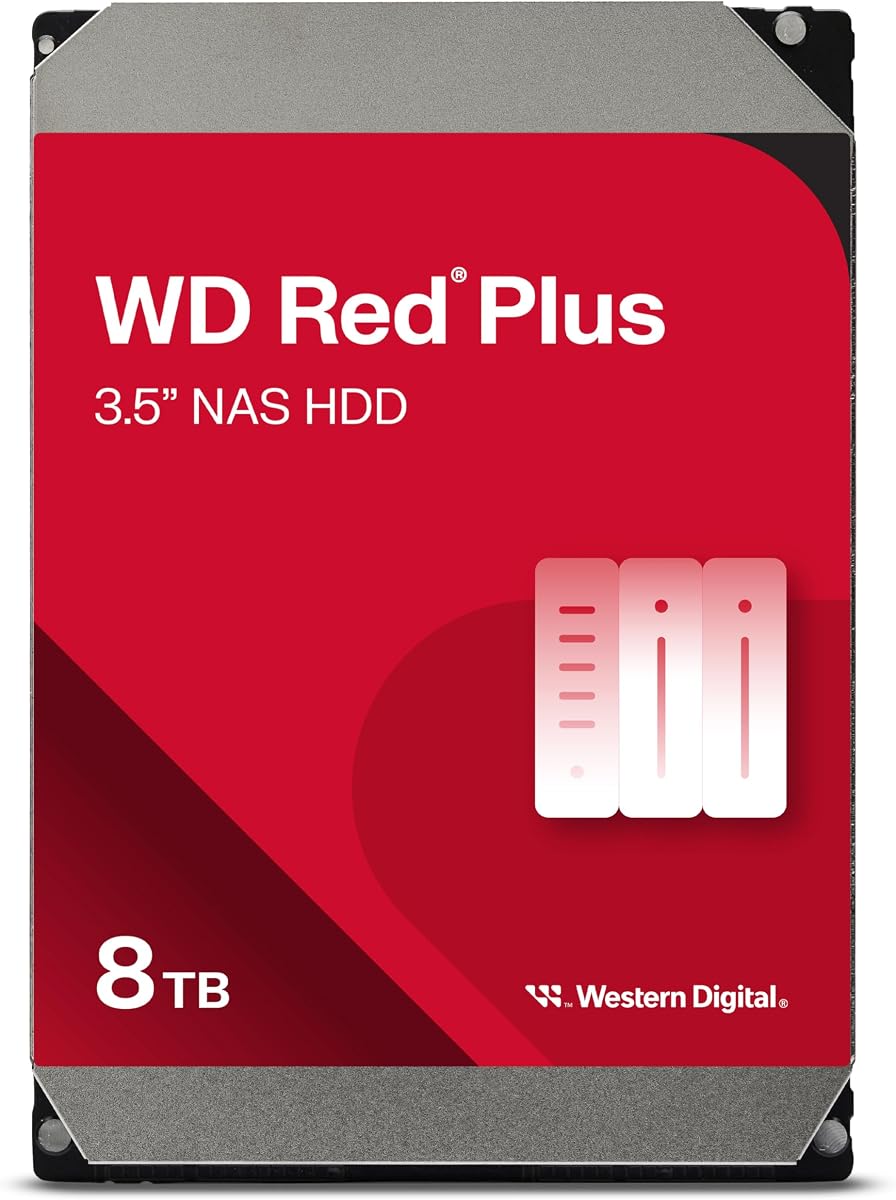
The WD Red Plus 8TB WD80EFPX carries a 4.2 rating and offers a useful middle ground between modest-capacity business drives and high-intensity professional models. Its 8TB capacity, 256MB cache, and 5640 RPM rotation speed suit a small business consolidating documents, shared media, project archives, and backup destinations.
We may earn a commission when you buy through this link, at no additional cost to you.
The drive is specified for small and medium business NAS environments operating around the clock. A workload rate of up to 180 TB per year gives buyers a more concrete suitability measure than capacity alone, while NASware firmware is intended to improve compatibility. Support for systems with up to eight bays broadens its deployment options.
The important trade-off is that usable RAID capacity is lower than the raw figure. A two-bay mirrored arrangement would not provide the full listed capacity because one copy protects against a drive failure. Buyers should also distinguish the 8TB WD80EFPX from other WD Red Plus 8TB model numbers with different cache configurations and compatibility histories.
Choose this drive when a business wants more room per bay without stepping into the 550 TB yearly workload class of WD Red Pro. It is well matched to departmental file servers, shared creative assets, and consolidated local backups, provided the NAS supports the model and the data receives a separate backup copy.
Eight terabytes offers more practical breathing room for shared folders and media than a smaller entry-level drive. It can reduce the number of drives required for a given raw-capacity target.
The stated 180 TB yearly workload helps frame expected activity. Actual performance still depends on the enclosure, networking, file sizes, RAID level, and competing workloads.
We may earn a commission when you buy through this link, at no additional cost to you.
The UGREEN NAS DH2300 is not a hard drive but a two-bay, diskless NAS enclosure, and it earns a 4.5 rating. It is included because some small offices want a complete private-storage platform rather than a bare drive. It supports up to 64TB using compatible drives, although storage disks are not included.
We may earn a commission when you buy through this link, at no additional cost to you.
Its 1GbE connection, 4GB onboard memory, and claimed file-transfer performance make it approachable for documents, photos, videos, phone backups, and cross-device storage. Automatic backup support is listed for Windows, iOS, Android, and macOS. RAID choices, permissions, two-factor authentication, and encrypted transfers add useful controls for shared data.
The supplied information clearly limits the DH2300 to consumer and entry-level use. It does not support Docker, virtual machines, or SAN Manager, and Plex cannot be run through Docker. The product description also states that critical business applications should use an enterprise-grade solution, making it better suited to straightforward shared storage and personal-to-small-team use.
This enclosure is a good option for a very small business or a home-office operator who values simplicity, phone backup, and local ownership more than virtualization. It should not be selected for mission-critical workloads or heavily integrated services. Confirm that a wired Ethernet connection is appropriate and obtain compatible NAS drives separately.
Automatic backups across major operating systems reduce the need to scatter files across phones, tablets, and computers. The enclosure provides a centralized local destination without requiring a third-party cloud subscription.
The absence of Docker, virtual machines, and SAN Manager narrows its role. It remains useful for ordinary shared storage, but a business needing advanced server applications should choose a more specialized platform.
We may earn a commission when you buy through this link, at no additional cost to you.
The Western Digital 10TB WD Red Plus WD100EFGX has a 3.9 rating and combines 10TB of capacity with a 7200 RPM rotation speed and 512MB cache. These specifications position it as a roomy, high-performance WD Red Plus option for small and medium business NAS systems operating around the clock.
We may earn a commission when you buy through this link, at no additional cost to you.
Its 180 TB yearly workload rating fits the same general use category as other WD Red Plus models, but the larger cache and faster spindle speed can benefit bursts of file activity. The drive is specifically described as tested for NAS compatibility, and NASware firmware is included for integration with compatible systems.
The lower 3.9 rating should prompt buyers to evaluate the model's compatibility and warranty terms carefully, especially when purchasing several disks for one enclosure. Raw capacity is not usable capacity in a redundant RAID configuration, and the 6 GB/s interface label does not guarantee internet- or LAN-level transfer speed.
This model makes sense for businesses retaining larger document archives, design files, or media on a local NAS and needing more room per bay. It is less compelling for light-use systems that will not benefit from its capacity or rotation speed. Ensure the NAS vendor's compatibility list includes the exact model before deploying it.
The 7200 RPM class and 512MB cache are the distinguishing specifications. They make the drive more attractive for workloads that need greater throughput than a lower-speed NAS disk provides.
A 10TB drive may appear to offer substantial room, but RAID overhead reduces usable space. Capacity planning should include redundancy, snapshots, retained versions, and growth headroom.
We may earn a commission when you buy through this link, at no additional cost to you.
The WD Red Plus 2TB WD20EFPX offers a 4.2 rating and is a sensible cost-conscious starting point for a small business or home office. The 2TB capacity, 5400 RPM rotation speed, and 64MB cache fit lightweight shared folders, document libraries, and backup storage in a compact two-bay NAS.
We may earn a commission when you buy through this link, at no additional cost to you.
Crucially, this is a dedicated NAS drive rather than a general-purpose desktop model. It supports up to eight bays, uses CMR recording technology, includes NASware firmware, and carries a workload rating of up to 180 TB per year. Those details make it more appropriate for continuous small-business storage than a typical PC hard drive.
The trade-off is obvious: 2TB leaves less room for large media libraries, extensive version histories, and business files that continue growing. In a mirrored configuration, usable capacity is below the raw 2TB figure, and 64MB is a small cache compared with the larger WD Red Plus options in this guide.
Choose this model when reliability and NAS suitability matter but current storage needs are modest. It is a good first disk or a companion drive for a lightly loaded system. Businesses expecting rapid growth should verify that the enclosure supports adding higher-capacity disks and include an external or off-site backup strategy.
The drive retains the NAS-specific qualities found in higher-capacity models: CMR, NASware, RAID-oriented use, and a stated annual workload rating. That makes it more relevant than simply choosing the smallest desktop disk.
Two terabytes is sufficient for selected business records, shared documents, and basic backups. It works best when the organization can estimate near-term needs and can expand responsibly as data accumulates.
We may earn a commission when you buy through this link, at no additional cost to you.
The Seagate 8TB BarraCuda ST8000DM004 has a 4.5 rating and offers 8TB of storage with a stated sustained outer-diameter transfer rate of 190 MB/s. It is a general-purpose internal hard drive intended for gaming computers, desktops, media, and similar PC storage applications.
We may earn a commission when you buy through this link, at no additional cost to you.
It may appeal to a small business seeking substantial capacity, but the supplied specifications position it as a nearly every PC application solution rather than a NAS-specific model. It does not state NAS compatibility testing, NASware support, a 24/7 business workload rating, or support for a particular number of NAS bays.
That distinction is the main concern. A NAS may operate its disks continuously, coordinate rebuilds, and handle simultaneous user requests. A desktop drive can work in some NAS environments, but the buyer must accept that the manufacturer has not positioned this model for that specific duty.
This drive is best considered for secondary storage, a compatible enclosure used for less critical files, or a system where the NAS vendor explicitly supports the model. For the primary business file server, a purpose-built NAS disk with a stated workload rating offers a more defensible choice.
The stated 190 MB/s sustained transfer rate is useful for large media and backup sets. Network infrastructure and the NAS controller will usually determine how much of that speed clients actually experience.
The BarraCuda is marketed for PCs and desktop builds. Using it in a business NAS requires checking enclosure and vendor support because the supplied information makes no NAS-specific compatibility claim.
We may earn a commission when you buy through this link, at no additional cost to you.
The WD Red Plus 4TB WD40EFPX combines a 4.5 rating with a 4TB capacity, 5400 RPM rotation speed, and 256MB cache. It is a compelling mainstream option for small and medium business NAS systems that need dedicated storage behavior and more cache than lower-capacity WD Red Plus configurations.
We may earn a commission when you buy through this link, at no additional cost to you.
The drive supports up to eight bays and a 180 TB yearly workload rate. CMR technology, NASware firmware, continuous operation, and a three-year limited warranty reinforce its NAS positioning. The listed use cases explicitly include NAS and business storage, making it easier to justify than a generic desktop disk.
Compared with the 4TB WD40EFZZ, this model provides 256MB rather than 128MB of cache, while sharing the same broad capacity and rotational-speed class. That distinction can matter in bursty environments, although actual results depend on file sizes, network speed, controller behavior, and the number of concurrent users.
This is a well-balanced recommendation for a business NAS handling daily shared documents, project files, and routine backups. It is not the right choice for unusually high write pressure, very large retention requirements, or a premium multi-user environment, but it offers a useful balance of capacity, cache, rating, and workload support.
The 256MB cache is the main specification separating this model from the other 4TB WD Red Plus entry. Combined with CMR and NASware, it creates a balanced package for everyday shared storage.
WD Red Plus contains multiple model numbers with different capacities and cache sizes. Checking the exact WD40EFPX designation helps avoid accidental substitution when arranging a multi-bay set.
We may earn a commission when you buy through this link, at no additional cost to you.
The Synology DS725+ is a diskless, two-bay NAS platform with a 4.1 rating. Rather than supplying a hard drive, it combines storage management, backup, snapshot functionality, and surveillance support in an enclosure designed for home and small-business use.
We may earn a commission when you buy through this link, at no additional cost to you.
Its data-protection approach layers RAID redundancy, automated backups, and snapshot technology. The system can expand through a DX525 unit, adding five drive bays and taking the stated total capacity to 140TB. That makes it a practical choice for a business that wants a coherent platform and may need to grow beyond the initial two bays.
Surveillance is another standout. The DS725+ supports up to 30 IP cameras, motion detection, secure remote access, and unlimited retention periods according to the supplied description. Those features make it relevant to small locations that need camera monitoring alongside conventional shared storage.
The key qualification is that it is a diskless product, so compatible drives must be purchased separately. Businesses should evaluate the full platform rather than focusing only on raw storage, and they should confirm expansion requirements before installation. The three-year warranty adds support for a system expected to provide continuous access.
RAID redundancy, automated backups, and snapshots address different recovery needs. A layered approach can protect against accidental deletion, drive failure, and unwanted file changes when configured properly.
Support for as many as 30 IP cameras gives the DS725+ a clear role in small-site monitoring. Motion detection and secure remote access make it more than a basic file server.
We may earn a commission when you buy through this link, at no additional cost to you.
The WD Red Pro 20TB WD202KFGX is a premium-capacity NAS drive with a 3.9 rating. It offers 20TB of raw space, 7200 RPM rotation speed, 512MB cache, and CMR technology, making it suited to small businesses with substantial archives or an expanding multi-user storage environment.
We may earn a commission when you buy through this link, at no additional cost to you.
Its defining feature is the workload rating of up to 550 TB per year, substantially above the 180 TB yearly figure given for the WD Red Plus products. It is designed for high-intensity, round-the-clock, multi-user NAS operation and is intended for RAID-optimized systems without a stated eight-bay ceiling.
Western Digital states that it partners with a wide range of NAS system vendors to test compatibility. That still makes exact model and enclosure verification important, especially for a high-capacity drive. Its 3.9 rating is the lowest among the rated products in this guide, so buyers should pay close attention to the current listing and model details.
This is the premium recommendation for a business that needs room to consolidate large datasets, media, backups, or user files. The capacity and workload rating suit demanding deployments better than ordinary home use. It should be purchased with compatible NAS hardware, appropriate cooling, and a separate backup strategy rather than treated as the only copy of critical data.
Twenty terabytes reduces the number of drives required for a large raw-capacity target. It can simplify expansion planning while giving an organization room to retain more historical files and versions.
The 550 TB yearly rating better reflects high-intensity multi-user activity. It is the clearest reason to select this premium model over a standard WD Red Plus drive when sustained demands justify the added capacity.
We may earn a commission when you buy through this link, at no additional cost to you.
The WD Red Plus 2TB WD20EFRX has a 4.5 rating and is a proven entry-level NAS hard drive for small and medium business systems. Its 2TB capacity, 5400 RPM performance class, 64MB cache, and 3.5-inch form factor align with lightweight file serving and backup needs.
We may earn a commission when you buy through this link, at no additional cost to you.
The drive supports up to eight bays and a 180 TB yearly workload rate. NASware firmware, CMR technology, continuous operation, and a three-year limited warranty give it the characteristics expected from a dedicated business NAS disk. Its lower capacity makes it most attractive where footprint and cost control matter.
The supplied information explains that this model uses CMR and is being renamed WD Red Plus to distinguish it from an earlier WD Red SMR line. During the transition, units could arrive with a WD Red label, but the model number confirms the CMR version. Buyers should therefore check the exact model rather than relying only on the face label.
Choose this drive for a small NAS needing dependable, purpose-built storage without a large capacity requirement. It is also useful for a second or backup drive when a business already uses this model family. For fast-growing archives, extensive media, or heavier concurrent access, a larger or WD Red Pro model would be a more forward-looking investment.
The explicit use of CMR is a major benefit for business workloads involving repeated backups and updated files. The model number can confirm this version when older labeling may cause confusion.
Two terabytes is practical for essential documents and focused backup sets, but it is not an ideal foundation for a growing archive. Check retention requirements and expansion plans before filling both bays.
We may earn a commission when you buy through this link, at no additional cost to you.
The right NAS drive depends on usable capacity, user activity, operating hours, and the type of recovery protection you need. Begin with the business workload rather than a marketing label, and verify exact model compatibility before buying multiple disks.
Raw drive capacity is not the amount of usable storage a business receives. A mirrored two-bay configuration protects one copy of the data, while larger RAID layouts and file-system overhead also affect the result. Begin with current data volume, projected growth, snapshots, historical versions, and the space reserved for redundancy. A larger drive can reduce the number of bays needed, but a multi-bay system still offers more flexibility when one member fails.
Choose capacity that meets present needs with meaningful growth headroom, and avoid filling a volume completely. Plan the usable total after redundancy rather than adding the printed capacities of all installed drives.
A workload rate estimates how much data can be transferred to and from a drive over a year. The WD Red Plus models in this guide support up to 180 TB yearly, while the WD Red Pro 20TB model is rated for up to 550 TB yearly. This figure is not the same as sustained file-transfer speed and varies with hardware, software, and configuration.
Higher-activity shared systems should move beyond capacity alone. Select a workload class that comfortably covers routine backups, user traffic, and background maintenance rather than one that merely reaches the expected total.
CMR is especially relevant to business NAS storage because it handles sustained write and rewrite activity in a predictable manner. All of the dedicated WD Red and WD Red Pro options listed here use CMR, while the Seagate BarraCuda is a general-purpose desktop model. The distinction matters when a server writes backup revisions, archive indexes, or frequently changed files.
Check the exact model number to confirm its recording technology. Do not rely on a broad product-family label when purchasing a drive for a write-intensive server environment.
A NAS enclosure, operating system, and drive must work together. WD Red Plus drives support up to eight bays, while the WD Red Pro 20TB model is described as suitable for RAID-optimized systems without an unlimited-bay claim. The UGREEN and Synology products are diskless enclosures, so compatible storage must be sourced separately and matched to their requirements.
Consult the enclosure maker's supported-drive list before ordering. Pay attention to exact model numbers, firmware requirements, bay limits, and any guidance about mixing capacities, brands, or drive families.
The right capacity balances current demand, redundancy, and the cost of adding drives later. Two- and four-terabyte models are appropriate for focused document storage, while 8TB and 10TB options suit larger archives. The 20TB WD Red Pro model targets high-capacity environments, and the Synology DS725+ can expand through a DX525 unit to a stated total of 140TB.
Choose a platform that allows growth without replacing every disk. Leave open bays where appropriate, and check whether expansion is supported with mixed capacities before planning an upgrade.
A RAID configuration protects availability by duplicating data across drives, but it is not a substitute for a backup. The Synology DS725+ layers RAID redundancy with automated backups and snapshot technology, which is useful for retaining prior versions and recovering from accidental changes. Dedicated WD Red drives supply the storage foundation, while the enclosure's software determines these management features.
Prioritize independent, off-site or offline copies for irreplaceable records. Use snapshots for rapid recovery from mistakes, and use versioned backups for longer-term protection.
Surveillance recording creates a different access pattern from ordinary document storage. The Synology DS725+ supports up to 30 IP cameras, motion detection, secure remote access, and unlimited retention periods, making it a focused choice for small-site monitoring. Media libraries also benefit from larger WD Red Plus or WD Red Pro capacities because high-resolution video consumes substantial space.
Estimate retention rather than merely counting cameras. A long recording period may require more raw capacity, efficient utilization, and a deliberate policy for deleting old footage.
A bare hard drive adds storage to an existing NAS, while a diskless enclosure includes the platform that organizes, shares, protects, and accesses that storage. The UGREEN DH2300 emphasizes easy private storage, phone backup, AI-assisted photo organization, and multi-device automatic backups. The Synology DS725+ emphasizes layered protection, expansion, and surveillance. Neither includes storage drives.
Decide whether you need a complete NAS or only replacement media. For a complete system, review the software features and application limits. For an existing NAS, exact model compatibility takes priority over enclosure features.
Begin by checking the NAS manufacturer's compatibility list, supported capacity, bay count, firmware, and drive-formatting requirements. Install the exact approved models, use the supplied mounting hardware, and ensure the enclosure has adequate airflow. If creating a new RAID array, add the intended drives together and follow the platform's initialization process rather than copying an unrelated configuration.
Configure shared folders and user permissions based on least-privilege access. Enable the protection features appropriate to the platform, such as RAID redundancy, automated backups, snapshots, two-factor authentication, and encrypted transfers. Test backup jobs and restore a sample file, because a successful backup status does not prove that the data can be recovered cleanly.
Monitor drive health, temperatures, array events, capacity levels, and workload patterns through the NAS interface. Keep the enclosure powered, ventilated, and protected from unstable power or accidental shutdowns. For important records, maintain an additional backup outside the NAS, periodically verify restores, and replace failed or aging drives with models approved for the same system.
Yes. The listed WD Red Plus models are designed for small and medium business NAS systems operating around the clock. They use CMR, include NASware firmware, and support a stated workload rate of up to 180 TB yearly. Compatibility still depends on the enclosure, bay count, exact model, and NAS vendor guidance.
WD Red Plus is intended for typical small and medium business NAS workloads, with the listed models supporting up to 180 TB yearly. WD Red Pro 20TB WD202KFGX is positioned for high-intensity, 24×7, multi-user environments and carries a higher stated workload rating of 550 TB yearly. Its 20TB capacity and premium workload class also suit larger deployments.
Some desktop drives can function in a NAS, but they are not automatically ideal for continuous multi-user operation. The Seagate BarraCuda 8TB is described as a general-purpose PC drive rather than a dedicated NAS model. Check the NAS compatibility list and consider a purpose-built drive with CMR, NAS firmware, and a stated workload rating.
No. The UGREEN NAS DH2300 is a diskless two-bay enclosure, and the supplied information explicitly says storage drives are not included. Compatible HDDs or SSDs must be purchased separately. The enclosure supports up to 64TB using compatible drives, subject to its stated configuration and capacity requirements.
No. RAID can maintain availability after certain drive failures, but it does not protect against accidental deletion, ransomware, file corruption, enclosure failure, or theft. A sound business setup combines redundant storage with automated, versioned backups and at least one copy stored outside the primary NAS.
The right amount depends on active files, retained records, media, backups, snapshots, and projected growth. Users should calculate usable capacity after RAID redundancy rather than adding raw drive figures, then leave headroom for expansion and system overhead. A business with rapidly growing archives may prefer larger 8TB, 10TB, or 20TB drives.
The Synology DS725+ is specifically listed as supporting up to 30 IP cameras, with motion detection, secure remote access, and unlimited retention periods. Storage needs vary with camera count, resolution, motion frequency, and retention length, so the available capacity and drive workload should be planned together.
It depends on the NAS platform and RAID configuration. Many systems allow mixed capacities, but usable space is constrained by the smallest drive in some layouts, and mixing models can complicate rebuilds or compatibility. Check the enclosure documentation and use a matched, supported set when planning a new array.
The WD Red Plus 4TB WD40EFPX stands out as the balanced choice for typical small-business shared storage, while the 2TB WD20EFPX provides an affordable NAS-specific starting point. For heavier data volumes, the 8TB and 10TB WD Red Plus options add capacity, and the 20TB WD Red Pro delivers the premium workload class for demanding multi-user systems.
Prioritize CMR, a suitable workload rating, exact model compatibility, and an expansion plan before considering cache or raw capacity alone. The UGREEN DH2300 and Synology DS725+ should be considered when a complete platform matters more than a bare drive, with the DH2300 favoring simple private storage and the Synology emphasizing protection and surveillance. Keep at least one independent backup of critical records.
Ratings, prices, and product availability can change, so check the current listing and NAS compatibility documentation before ordering. A good NAS drive is one that fits the enclosure, supports the required workload, provides realistic usable capacity, and can be recovered safely when the inevitable hardware issue occurs.