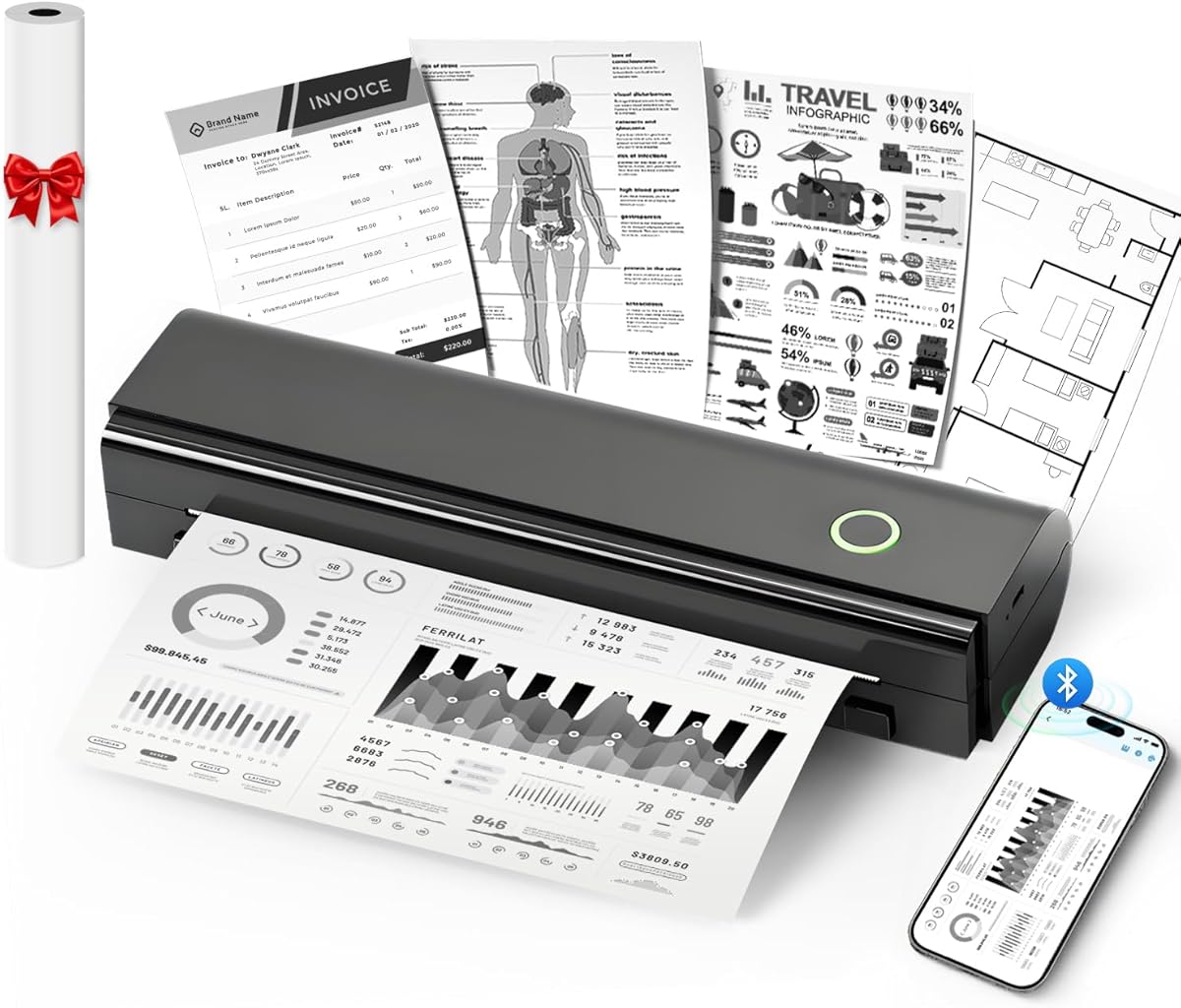
N80 Bluetooth Thermal Printer
4.1Editor score
Built-in 1500mAh battery
Supports US Letter paper
Weighs only 1.5 pounds
Bluetooth and USB-C connections
An inkless portable thermal printer for travel offers a practical way to produce contracts, boarding passes, invoices, study materials, and essential records without carrying ink cartridges. The best models balance compact dimensions, dependable battery performance, broad paper compatibility, and simple phone connectivity for trips that involve work, study, or mobile paperwork.
We compared all ten products using the specifications and feature details supplied for this guide. The evaluation considers portability, supported paper sizes, connection methods, battery capacity, print resolution, paper handling, included accessories, and practical limitations such as black-and-white output, required thermal paper, and dependence on manufacturer apps or drivers.
Each review identifies the strongest reasons to consider a particular model and the compromises travelers should understand before buying. Ratings reflect the supplied customer feedback and should be considered alongside feature fit, while current prices and availability can change at any time. No personal hands-on testing is claimed.
4.1Editor score

4.7Editor score

4.6Editor score
As an Amazon Associate we earn from qualifying purchases.
The comparison below places all ten printers side by side, highlighting the differences in weight, paper handling, connectivity, resolution, battery capacity, travel accessories, and touchscreen capability that matter most away from a traditional office.


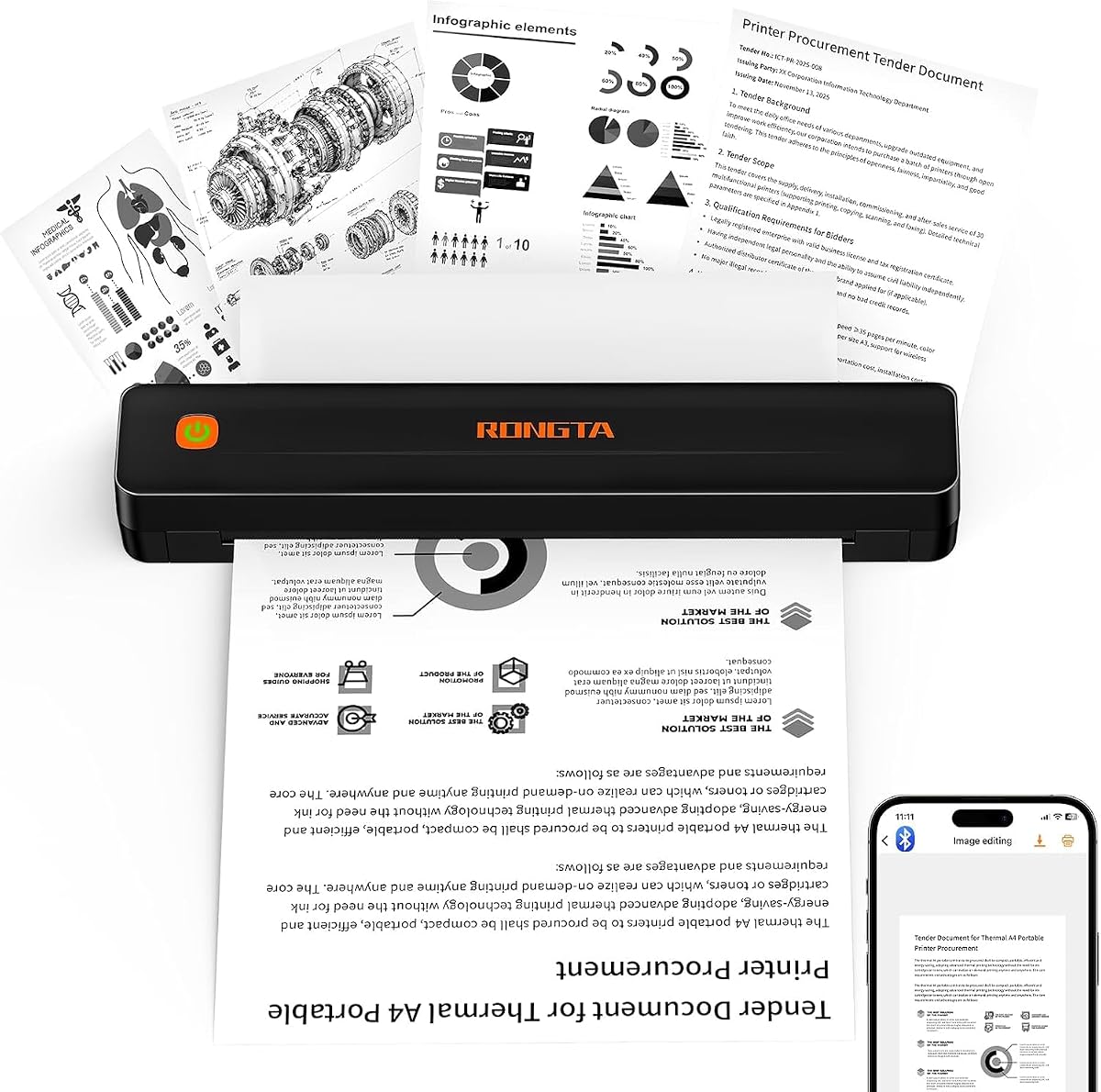


The N80 is a value-oriented portable thermal printer built around the needs of travelers who want full-size documents without carrying a conventional inkjet setup. Its supplied rating is 4.1, and its standout attributes include a 1500mAh rechargeable battery, 203 DPI resolution, support for US Letter thermal paper, and a manageable weight of 1.5 pounds.
We may earn a commission when you buy through this link, at no additional cost to you.
Its practical feature set is notably complete. The printer connects to compatible iPhones, Android phones, iPads, and tablets through Bluetooth using the Nada Print app, while USB-C provides access to compatible computers after driver installation. A roll of US Letter thermal paper is included, so buyers can begin printing without sourcing a separate roll. The battery is stated to produce up to 160 sheets per charge, making it suitable for short business trips, school assignments, invoices, and emergency documents.
There are important constraints. Bluetooth is not supported for laptops or computers, and the device cannot use ordinary copy paper. Users must select the correct paper size in the Nada Print app, which adds a small setup step whenever the paper configuration changes. The package also does not include a charging adapter. These limitations make the N80 less convenient for users who need seamless computer connectivity or expect to print on standard paper.
The N80 is a strong budget choice for mobile workers, students, and anyone who primarily prints from a phone. It provides the essentials without an elaborate interface, a premium case, or an unusually broad set of paper sizes. Travelers who already own the Nada Print app and can plan around USB-only computer connections will find this model delivers a useful balance of capability and portability.
Supporting US Letter thermal paper makes the N80 more useful than compact receipt printers that only handle narrow rolls. It can produce contracts, boarding passes, invoices, recipes, school materials, and other full-page records, although the output is black and white.
Bluetooth provides convenient phone and tablet access, but laptop users must install a driver and connect with USB-C. Checking device compatibility and preparing the required software before departure will prevent setup problems at the destination.
We may earn a commission when you buy through this link, at no additional cost to you.
The black D90E combines a full-size thermal format with a supplied travel case, making it a straightforward option for professionals carrying paperwork on a trip. It carries a 4.3 rating and weighs 2.08 pounds, so it is larger and heavier than several alternatives but remains portable enough for a briefcase or vehicle.
We may earn a commission when you buy through this link, at no additional cost to you.
This model supports 8.5-by-11-inch US Letter thermal paper and can connect to iPhones and Android devices through Bluetooth using the Labelnize app. Compatible PCs can be connected by USB after installing the appropriate driver. The package includes the printer, USB-C cable, ten sheets of paper, a travel case, and a guide. Its jam procedure is unusually direct: pressing the power button pops up the paper automatically, reducing the need to force open the cover and risk scratches or injury.
The thermal-only format remains the fundamental limitation. The printer cannot accept regular copy paper and produces black-and-white output. A charging adapter is not included, and the listed compatibility notes exclude Chromebooks. The supplied description also recommends flat thermal paper to minimize curling after printing, which means travelers should pay attention to paper storage and handling.
The black D90E is most appropriate for users who prioritize a matching case, full-page capability, and a clear jam-release process. It is less compelling for travelers seeking the lightest possible device, but the added weight may be an acceptable trade-off if the included case protects the printer during transit.
The included travel case is one of the D90E's most practical features. It reduces the need to source a separate sleeve and gives the printer a designated place in luggage, which is useful when carrying thermal rolls and loose documents alongside it.
Automatic paper ejection makes a minor jam less disruptive. Instead of pulling thermal paper forcefully from the mechanism, the user can press the power button to pop it up, reducing potential damage to the machine and the paper.
We may earn a commission when you buy through this link, at no additional cost to you.
The Gloryang is a travel-oriented thermal printer distinguished by its generous accessory package and integrated paper bin. It has a supplied rating of 4.2, weighs 1.75 pounds, and is only 1.7 inches thick, allowing it to fit into a backpack or briefcase without taking up a large amount of space.
We may earn a commission when you buy through this link, at no additional cost to you.
The box includes the printer, three thermal paper rolls, a carrying case, a charging cable, a manual, and a guide card. One roll is preinstalled, while two extras provide useful backup for a longer trip. Its built-in paper bin saves space and keeps the workspace tidy, and two loading methods offer flexibility. The printer can handle documents from 2 to 8.5 inches wide and supports phone printing through the Jadens Printer app over Bluetooth.
Unlike more flexible competitors, the Gloryang is described as compatible only with Gloryang thermal paper. It cannot use regular, inkjet, or plain paper, so replacement stock is less interchangeable. Computer use also requires driver installation. Since output relies on direct thermal technology, buyers should treat the included paper as part of the product ecosystem rather than a disposable extra.
This model is a good fit for travelers who want several paper rolls available immediately and value compact storage. It can handle contracts, office documents, images, designs, and text without ink or ribbons. Users who expect to use a particular third-party thermal paper brand should choose a more broadly compatible printer, but those willing to use the supplied paper will appreciate the ready-to-pack bundle.
Two spare rolls reduce the chance of running out of paper during a multi-day journey. Because the rolls are already matched to the printer, travelers can pack the device and immediately begin producing full-page documents after completing the app setup.
The integrated bin helps keep loose thermal paper contained and the working area orderly. It also makes the printer easier to carry as a self-contained unit, although paper inserted during travel should remain properly positioned to avoid jams.
We may earn a commission when you buy through this link, at no additional cost to you.
The white D90E stands out as the lightest printer in this comparison and earned the highest supplied rating at 4.7. At 1.09 pounds, it is particularly attractive for travelers who want full-page thermal printing without carrying a noticeably heavy device. Its clean white enclosure also distinguishes it from the black version.
We may earn a commission when you buy through this link, at no additional cost to you.
Despite its low weight, it supports 8.5-by-11-inch US Letter thermal paper. Bluetooth serves compatible iPhones and Android devices through the Labelnize app, while USB provides a path to compatible PCs after driver installation. The supplied package includes a USB-C cable, ten sheets of paper, a travel case, and a guide. Like the black D90E, it provides a straightforward jam response by ejecting the paper when the power button is pressed.
The main compromises are familiar across direct thermal devices. It cannot print on ordinary copy paper, and its output is black and white. Chromebooks are excluded, the charging adapter is not supplied, and flat thermal paper is recommended to limit curling. Users must therefore prepare the correct consumables and confirm that their computer platform supports the required driver.
The D90E white model is an excellent all-around recommendation for business travelers, students, teachers, and mobile professionals. Its low weight, protective case, strong rating, and full-size capability create a particularly convincing balance. It is especially suitable when output volume is moderate and carrying weight matters more than having a large screen or the broadest operating-system support.
At 1.09 pounds, the D90E reduces the penalty associated with carrying a conventional printer. It offers the same broad document utility as larger thermal models while remaining easy to place in a briefcase, backpack, or carry-on bag.
The D90E combines a high supplied rating, a case, full-size paper support, and flexible connections without adding a touchscreen. It is a straightforward choice for users who value dependable essentials over decorative features and complex controls.
We may earn a commission when you buy through this link, at no additional cost to you.
The A285M is a compact, inkless thermal printer aimed at travelers who need more than one paper width. Its 4.0 rating reflects a balanced package, while its support for five widths and several thermal paper formats gives it considerable flexibility for labels, notes, receipts, and full-size documents.
We may earn a commission when you buy through this link, at no additional cost to you.
Supported widths include US Letter, A4, 4.33 inches, 3.14 inches, and 2.08 inches. The built-in paper bin accepts roll, continuous, and single-sheet thermal paper, allowing users to match output to the task at hand. Bluetooth works with iPhone, Android, iPad, and tablet devices, while laptops and computers connect through USB-C after downloading the appropriate driver.
The printer is limited to black-and-white output and cannot use ordinary copy paper. Charging requires a 5V 2A source, and the instructions warn against using a charger with a higher output. As with other app-based models, the appropriate application must be downloaded and the printer selected within it before printing begins.
The A285M is best for users whose travel documents vary in size. A business traveler might alternate between full-page contracts and narrow receipts, while a student could use smaller formats for study notes. Its 1.5-pound weight and compact proportions make it highly packable, and the variety of supported paper formats reduces the need to carry several different printers.
Five supported widths make the A285M unusually versatile within the portable thermal category. Users can choose narrow media for compact records and full-page formats for contracts, assignments, invoices, or detailed notes.
Phone and tablet users can print through Bluetooth, while computer users can install a driver and connect by USB-C. This makes the printer suitable for itineraries that alternate between mobile work and laptop-based document preparation.
We may earn a commission when you buy through this link, at no additional cost to you.
The RONGTA F11A is a full-size portable thermal printer designed for travel, school, office, and home use. It has a supplied rating of 4.0 and offers 203 DPI resolution along with support for US Letter, Legal, and A4 thermal papers. That combination makes it appealing to users who may need a legal-size document in addition to standard pages.
We may earn a commission when you buy through this link, at no additional cost to you.
Mobile setup uses the RONGTA app from Google Play or the Apple App Store. After turning on the printer and the app, the user selects the F11A and establishes the Bluetooth connection. Laptops can use the USB cable and are listed as compatible with Windows 7 through 11 and macOS. The device supports printing forms, letters, assignments, study materials, contracts, inventory lists, and office documents.
The limitations are clear. Chrome is not supported, and Bluetooth cannot be initiated directly through the operating system; pairing must occur inside the RONGTA app. Ordinary paper is unsupported, so thermal rolls must be selected in advance. Buyers should also account for the need to maintain enough paper and battery for the entire trip.
The F11A is a strong choice for travelers who want broad paper-format recognition and conventional computer support. Its straightforward design avoids a touchscreen and unnecessary decorative features. For people who regularly create contracts, forms, or full-page study materials, the Legal-size capability can be the distinguishing feature that outweighs the app-centered workflow.
Most portable competitors focus on Letter and A4 media. Support for Legal thermal paper broadens the F11A's use for longer forms, contracts, and reference documents that would need to be reduced when printed on standard page sizes.
Windows 7 through 11 and macOS support gives the F11A broader appeal for computer users. USB avoids dependence on browser compatibility, although the required driver and app-based mobile workflow still deserve advance setup.
We may earn a commission when you buy through this link, at no additional cost to you.
The TATTMUSE A28U emphasizes paper handling, heating control, and travel-friendly construction. Its supplied rating is 4.4, and the most distinctive feature is an upgraded print head with dual-zone precision and temperature locking. The manufacturer states that this approach produces even print density and cleaner document output.
We may earn a commission when you buy through this link, at no additional cost to you.
Its double-tap automatic paper-eject and jam-release system is particularly relevant to mobile use. Rather than manually pulling a stuck page from a small mechanism, the user can trigger the recovery process, lowering the chance of damaging the paper path. The printer also uses low-heat charging, which the manufacturer says can extend battery life by as much as four times compared with portable thermal printers that need frequent battery replacement.
The device is described as 15 percent lighter than similar mobile printers and combines Bluetooth connectivity with fast printing. It is designed for professionals who do not want to compromise output quality for portability. It produces documents without ink, toner, or ribbons, although the supplied information does not detail the exact battery capacity, paper-size list, included accessories, or app requirements as comprehensively as it does for several competing models.
The A28U is a good option for travelers who have experienced paper jams or want a machine that actively protects the mechanism. Its feature set is focused rather than expansive, with no stated touchscreen. Buyers should confirm supported paper dimensions and current app or driver requirements before purchase, particularly if they rely on a particular operating system or file workflow.
Thermal paper can curl or misalign during transport, making a reliable release mechanism valuable. The double-tap recovery function offers a controlled alternative to forcing paper from a compact mechanism after a jam.
Dual-zone heating and temperature locking are designed to maintain more consistent print density. The approach may be particularly useful for travelers who need legible forms and documents from media that has been stored in different conditions.
We may earn a commission when you buy through this link, at no additional cost to you.
The Phomemo M832D is a feature-rich portable thermal printer with a 4.2 supplied rating. Its defining elements are a digital touchscreen, 300 DPI resolution, a 2600mAh battery, and support for five paper sizes. Together, these features position it as a practical choice for users who want a clearer interface without moving to the largest premium model.
We may earn a commission when you buy through this link, at no additional cost to you.
The touchscreen displays battery and connection status and can identify the installed paper position, reducing the guesswork involved in setup and troubleshooting. This is useful for beginners, older users, and anyone working in a hurry between flights or appointments. The battery is stated to support as many as 200 pages per charge, while optimized motor algorithms and print-head refinement are said to reduce operating noise by 30 percent.
Paper support includes US Letter, A4, 2.08-inch, 3.15-inch, and 4.33-inch formats, along with roll, folded, and single-sheet thermal media. Bluetooth works with iPhone, Android phones, and iPads, while USB-C serves compatible computers. As on many portable models, Bluetooth is restricted to mobile devices. The printer also cannot create color output and requires specialized thermal paper.
The M832D suits business travelers, students, and mobile workers who will print a variety of document lengths and want a screen for setup. The touchscreen adds convenience, the larger battery reduces charging interruptions, and 300 DPI supports crisp monochrome output. Those benefits make it a strong middle option between basic models and the more elaborate Phomemo M85.
Showing battery, connection, and paper position helps users confirm that the printer is ready before creating a document. It also makes troubleshooting more approachable for those who are unfamiliar with compact thermal mechanisms.
The stated 200-page capacity is well suited to multi-day travel. It reduces the likelihood of carrying a charging cable solely for printer operation, although users should still preserve power for navigation, communication, and other essential devices.
We may earn a commission when you buy through this link, at no additional cost to you.
The Phomemo M08F is a lightweight, full-page portable thermal printer with a 4.3 supplied rating. At 1.5 pounds, it combines a manageable size with support for 8.5-by-11-inch Letter thermal paper, allowing users to print contracts, invoices, boarding passes, and other full-size documents away from an office.
We may earn a commission when you buy through this link, at no additional cost to you.
Its built-in rechargeable battery is stated to produce 140 sheets per charge. The Phomemo app provides Bluetooth printing from iOS and Android devices, supporting PDF, Word, images, and web content. Compatible computers can also be connected by USB, but a driver must be downloaded from the manufacturer's site first. This dual-platform approach accommodates mobile-first and desktop-centered workflows.
The M08F produces only black-and-white output and cannot use regular copy paper. Thermal paper is a required consumable, while the absence of ink, toner, and ribbons eliminates ink-related blockages and cleaning requirements. Mobile devices must connect through the Phomemo app rather than pairing directly through the operating system's Bluetooth menu.
The M08F is a strong choice for travelers who need full-page output and recognize the Phomemo ecosystem. It offers more generous stated battery endurance than many compact alternatives without adding a large touchscreen. Buyers should download the necessary software before leaving home and ensure that enough compatible thermal paper is available for the trip.
The app supports common document and image formats, allowing users to avoid a traditional computer workflow. This makes the M08F useful for travelers who receive mobile documents and need a physical copy immediately.
A stated capacity of 140 Letter-size sheets per charge is appropriate for many short trips. Keeping the printer charged before departure and carrying the proper USB cable for occasional computer use helps maintain a dependable workflow.
We may earn a commission when you buy through this link, at no additional cost to you.
The Phomemo M85 is the most advanced and premium-oriented model in this guide. Its supplied rating is 4.6, and the combination of a large touchscreen, 3500mAh battery, 300 DPI resolution, broad computer compatibility, and extensive paper support gives it a feature set unmatched by the other options.
We may earn a commission when you buy through this link, at no additional cost to you.
The upgraded display provides template previews, direct printing, personalized wallpapers, multilingual support, automatic updates, connection status, live battery information, and paper-position guidance. Templates must first be uploaded through the app, after which users can print directly from the screen. This setup requirement is more involved than a simple app print workflow, but it pays off for users who repeat specific layouts frequently.
The folding, umbrella-inspired body weighs 1.6 pounds and includes a carry bag. Its 3500mAh battery is stated to support more than 200 pages. Connectivity is unusually broad: Bluetooth serves compatible Android and iOS devices, while USB-C supports macOS, Windows, ChromeOS, and Linux. Word, Excel, PDF, JPG, and other major file formats are supported. The package includes four rolls representing US Letter and three narrower sizes, plus a USB-C cable and manual.
The M85 is best for travelers who value a sophisticated interface, large battery capacity, and broad system compatibility. It can handle five paper sizes and roll, folded, or single-sheet thermal media. The premium feature set is best justified by users who will print frequently, reuse templates, switch between devices, or want minimal dependence on a phone during routine operation.
After templates are uploaded, the touchscreen allows direct operation. This is valuable for repeated checklists, itineraries, labels, forms, and other structured documents, particularly when retrieving a phone would be inconvenient.
The 3500mAh battery and more than 200 stated pages per charge suit demanding itineraries. USB-C support for macOS, Windows, ChromeOS, and Linux also makes the M85 one of the more flexible choices for mixed-device users.
We may earn a commission when you buy through this link, at no additional cost to you.
The right travel thermal printer depends on the documents you print, the devices you carry, and how much space and battery capacity you can devote to printing. Weight, paper compatibility, software requirements, and included accessories should be considered together before choosing a model.
A printer that supports US Letter or A4 thermal paper is far more versatile for contracts, boarding passes, invoices, recipes, study materials, and official forms than a narrow receipt printer. Reviewers should also distinguish the stated size support from the physical dimensions listed in each product description. Some models accept only a limited set of thermal rolls, while others support five widths and several loading formats.
Choose a full-size model if complete documents matter. Choose a narrow format only when receipts, labels, notes, or list items are your primary output.
Portable thermal printers range from lightweight full-page devices to larger models with more substantial batteries or screens. Weight matters when the printer must share space with a laptop, clothing, and other travel gear. A carrying case can improve organization and protection, but it also adds a small amount of bulk. Buyers should consider both the stated device weight and the total space needed for paper, cables, and storage.
For frequent air travel or carry-on use, prioritize lighter models and a body that fits naturally into an existing bag. For road trips or car-based travel, a heavier unit may be less consequential.
Battery capacity is best understood in the context of the manufacturer's stated page output. Several models claim 140 to more than 200 pages per charge, while others provide a capacity figure without a comparable page estimate. The charging adapter is not included with some products, and one model requires a 5V 2A charger. Battery life is most valuable when the printer can complete a trip's essential jobs without competing with a phone or laptop for power.
Check the page claim, charging voltage, included cable, and whether a wall adapter is supplied. A large internal battery can improve independence but may also increase weight.
Bluetooth support across iPhone, Android, iPad, and tablet platforms is common, but most manufacturers require connection through a dedicated app. Computer printing generally relies on USB and a downloaded driver rather than Bluetooth. Some models explicitly exclude Chrome or Chromebooks, while the M85 supports a notably broad set of desktop systems through USB-C. Verify the exact file formats and operating systems you use before buying.
Download the required app and test the driver before traveling. Treat a printer's advertised wireless support as mobile-device support unless the description explicitly says otherwise.
Most models print in black and white, and none should be expected to provide the color range of an inkjet printer. The N80 and RONGTA F11A list 203 DPI resolution, while the M832D and M85 offer 300 DPI. Higher resolution can improve the appearance of small text and graphics, although thermal media, print settings, and the source image also affect the result.
Choose based on document readability rather than color. For forms, receipts, and text, confirm that the model produces clear monochrome output and supports the document dimensions you need.
Direct thermal printers do not use ordinary copy paper. Some accept several standard widths and loading styles, while the Gloryang is specifically described as compatible only with Gloryang thermal paper. A built-in paper bin, flat-paper recommendations, and two loading methods can affect convenience. Paper stored in a bag may curl or become exposed to heat, so keeping rolls in a cool, flat location is important.
Check compatible widths, roll lengths, and sheet types before purchasing extra media. If a model depends on proprietary paper, include replacement rolls in your travel planning.
Travel conditions can make jams more likely because paper may shift, curl, or wrinkle inside a bag. Several models address this with automatic ejection. The D90E releases paper after the power button is pressed, while the TATTMUSE A28U uses a double-tap auto-eject and jam-release system. These mechanisms are preferable to forcing the cover open, which can scratch the mechanism or cause injury.
Prioritize controlled jam recovery if you will travel with loose thermal sheets. Keep the paper path clean, feed media squarely, and never pull a jammed sheet forcefully.
A touchscreen can simplify setup by showing battery status, connection state, paper position, and template previews. It is especially helpful for repeat templates, but it adds cost, weight, and setup complexity compared with app-only models. Other useful extras include carrying cases, charging cables, paper rolls, and wall adapters. The N80 includes one US Letter roll, the Gloryang includes three rolls, and the M85 includes four rolls in different widths.
Compare the complete package rather than the printer alone. A supplied case and paper may offer more immediate travel value than a sophisticated interface that the buyer will rarely use.
Before leaving home, charge the printer fully and download the required mobile app or computer driver. Confirm Bluetooth compatibility on your phone or tablet, then follow the manufacturer's connection sequence. On most models, this means powering on the printer, enabling Bluetooth, opening the app, selecting the printer, and choosing the correct thermal paper size before sending a document.
Load only compatible thermal paper and keep the roll aligned with the guides. Do not use ordinary copy paper, and avoid forcing a wrinkled or jammed sheet into the mechanism. If a jam occurs, use the automatic release function where available. Otherwise, power down the device and follow the manual rather than pulling hard on the paper, which could damage the mechanism or cause scratches.
During travel, store the printer and paper in a cool, dry place away from direct sunlight, hot vehicles, and sharp objects. Use the included case for transport, keep unused rolls flat, and charge the printer before long journeys. Clean the exterior with a soft dry cloth, avoid moisture around the paper path, and test a short print before relying on the device for critical travel documents.
No. Direct thermal printers use special heat-sensitive thermal paper rather than ink, toner, or ribbons. Ordinary copy paper will not produce a usable print and may not feed correctly. Always verify the supported paper type and dimensions before loading media or buying replacement rolls.
The models in this guide are designed primarily for black-and-white output. They can reproduce photos, graphics, and designs, but the result remains monochrome. If color is essential, a conventional inkjet or color laser printer will serve that requirement better, though it is usually less convenient to carry.
Most of these models use Bluetooth only for compatible phones and tablets. Laptop and desktop users generally need a USB connection and a manufacturer-provided driver. The Phomemo M85 supports a broad range of computer systems through USB-C, but buyers should still check the required software and file formats before departure.
The right amount depends on page length, image density, and the printer's paper capacity. A good starting point is one additional full-size roll for ordinary travel and two or more for a longer trip with frequent document printing. Narrow formats can reduce bulk, while proprietary compatible rolls may be harder to replace than standard thermal widths.
Thermal images can change when exposed to heat, direct sunlight, friction, or certain plastic surfaces. Store completed pages away from hot cars, windowsills, and tightly packed plastic folders. For records that must remain legible for many years, use archival-safe storage and consider whether another printing technology is more appropriate.
They can print images, illustrations, and design layouts, but the result is monochrome and may show less tonal detail than an inkjet. Models with 300 DPI can produce especially crisp text and line art. A 203 DPI option can still work well for forms, receipts, and simple images when the source file has strong contrast.
Mobile printing almost always requires the manufacturer's app, even when Bluetooth is the connection method. Several apps are responsible for pairing, selecting paper size, previewing content, and sending files. Install and test the correct app before traveling so the printer is ready when a document arrives unexpectedly.
Stop printing and avoid pulling the paper forcefully. Models such as the D90E and TATTMUSE A28U provide automatic release functions that can be triggered as described in their instructions. If the paper does not release, power down the printer and consult the manual for safe opening and removal steps.
The D90E white model is the strongest all-around option for most travelers, combining the highest supplied rating, a very light 1.09-pound weight, full-size paper support, and an included case. The N80 is a compelling budget-focused choice with a long stated battery life and 203 DPI output, while the Phomemo M85 serves premium buyers with a large touchscreen, 300 DPI resolution, broad system support, and substantial battery capacity.
Prioritize the factors that affect your itinerary most. Frequent full-page document users should verify paper width and roll compatibility, phone-centered travelers should confirm app support, and laptop users should prepare the appropriate USB driver. Those who often print images may prefer 300 DPI, while anyone carrying minimal luggage should place device weight near the top of the decision.
Before purchasing, confirm the current product details, accessories, and thermal paper requirements. Prices, ratings, software behavior, and availability can change, and a printer that appears inexpensive may be less economical if it requires proprietary consumables. The right model is the one that combines the document formats, connection methods, size, and battery endurance needed for your particular journey.

